
Hero video
Motion direction for the top of the site
A short video direction for giving the website a more polished first impression while keeping the message focused on data center sourcing.
Website review preview
This page gathers the video, room visuals, product/gallery ideas, and equipment template concept in one place so Kate and Chris can react to the pieces clearly before they are placed into Wix.
Preview pieces
Each card links to a focused preview or concept. The main decision is which items should move forward first and whether they should be built directly in Wix or embedded as interactive sections.
Hero video
A short video direction for giving the website a more polished first impression while keeping the message focused on data center sourcing.
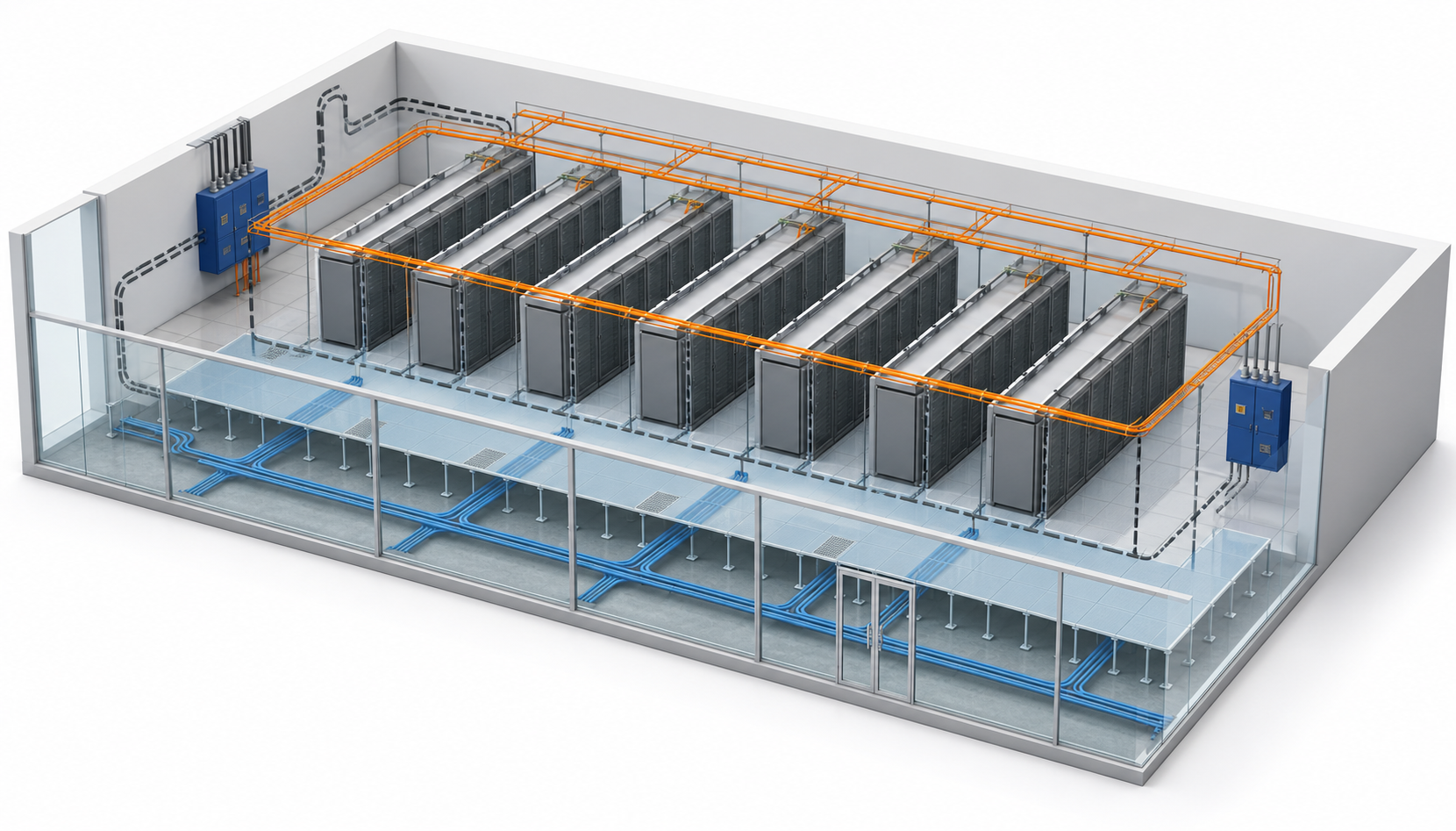
Interactive room diagrams
Interactive visuals for showing how BROGAV supports data center rooms and critical infrastructure systems.
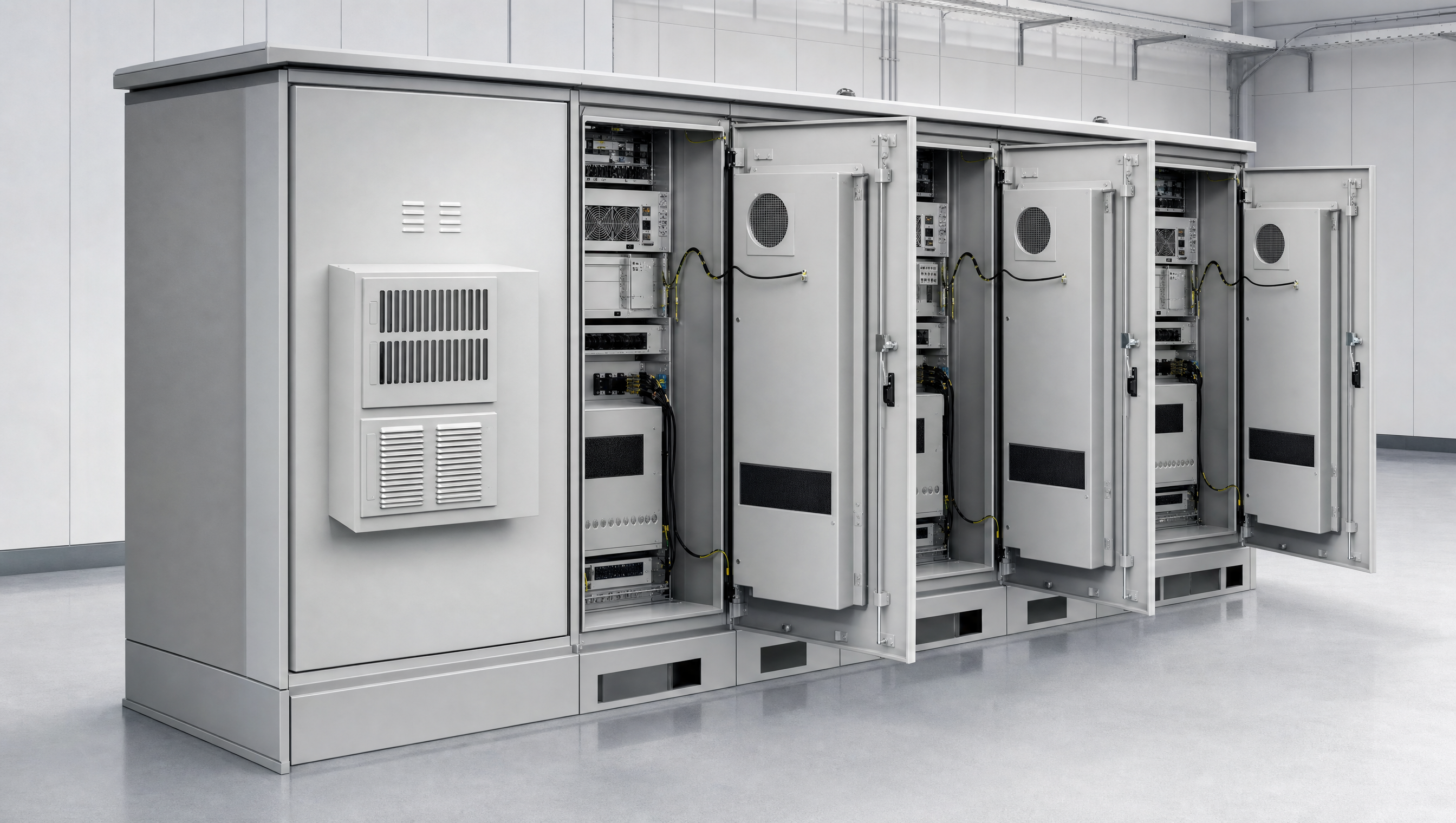
Product popups
A compact way to help visitors understand common products and know when to contact BROGAV for sourcing help.

Fast product/gallery section
A simple browse section for cabinets, enclosures, leak detection, and project equipment that helps buyers get to the right conversation faster.
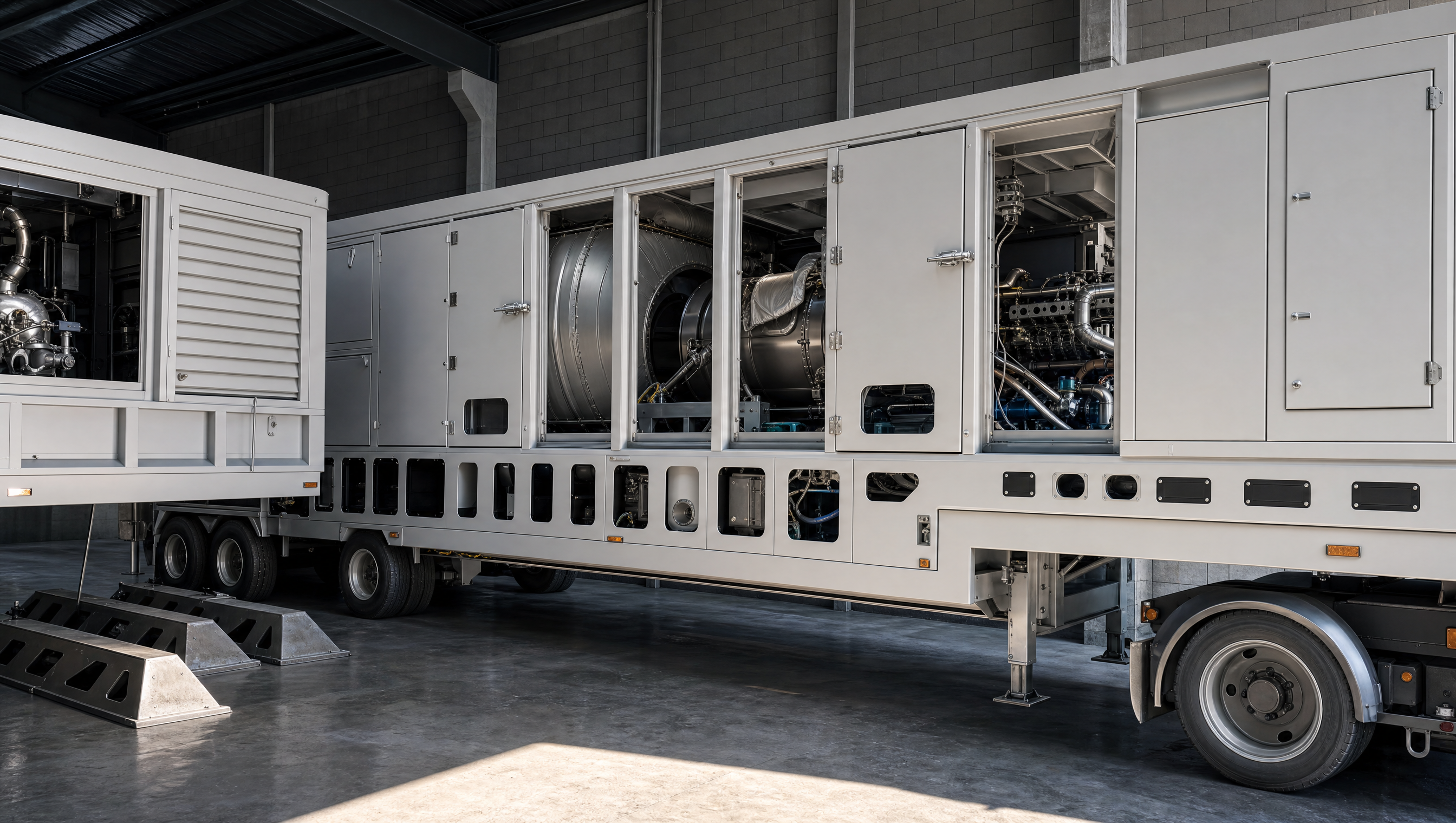
TM2500 mockup/template
A template concept for larger equipment opportunities. This should be reviewed as a layout and workflow idea, not as a live listing.
Questions for Kate and Chris
Next step
Once Kate and Chris react to the previews, the next practical step is a hidden Wix test page with the approved pieces installed for one final pass before anything is moved into a public page.